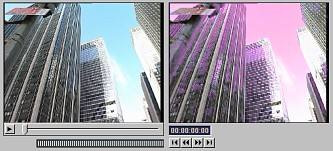
The Color Correction window provides two monitors: a Media monitor for viewing the original media file and a Preview monitor for previewing the result after modification. Use the playback controls to locate and preview a specific frame in the Media monitor. The results of the color correction are then shown in the Preview monitor. Preview output depends on your system setup, the size of the file, etc. In some cases it may be extremely close to real-time.
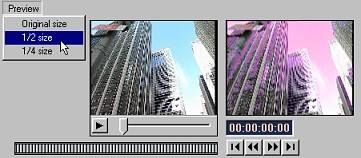
The Preview menu for color correction lets you choose what frame size will be used for the preview. You can choose from the original, ½ or ¼ of the original size. Reducing frame size may increase preview response time on PCs with slower processors.